Blog
Do Space News
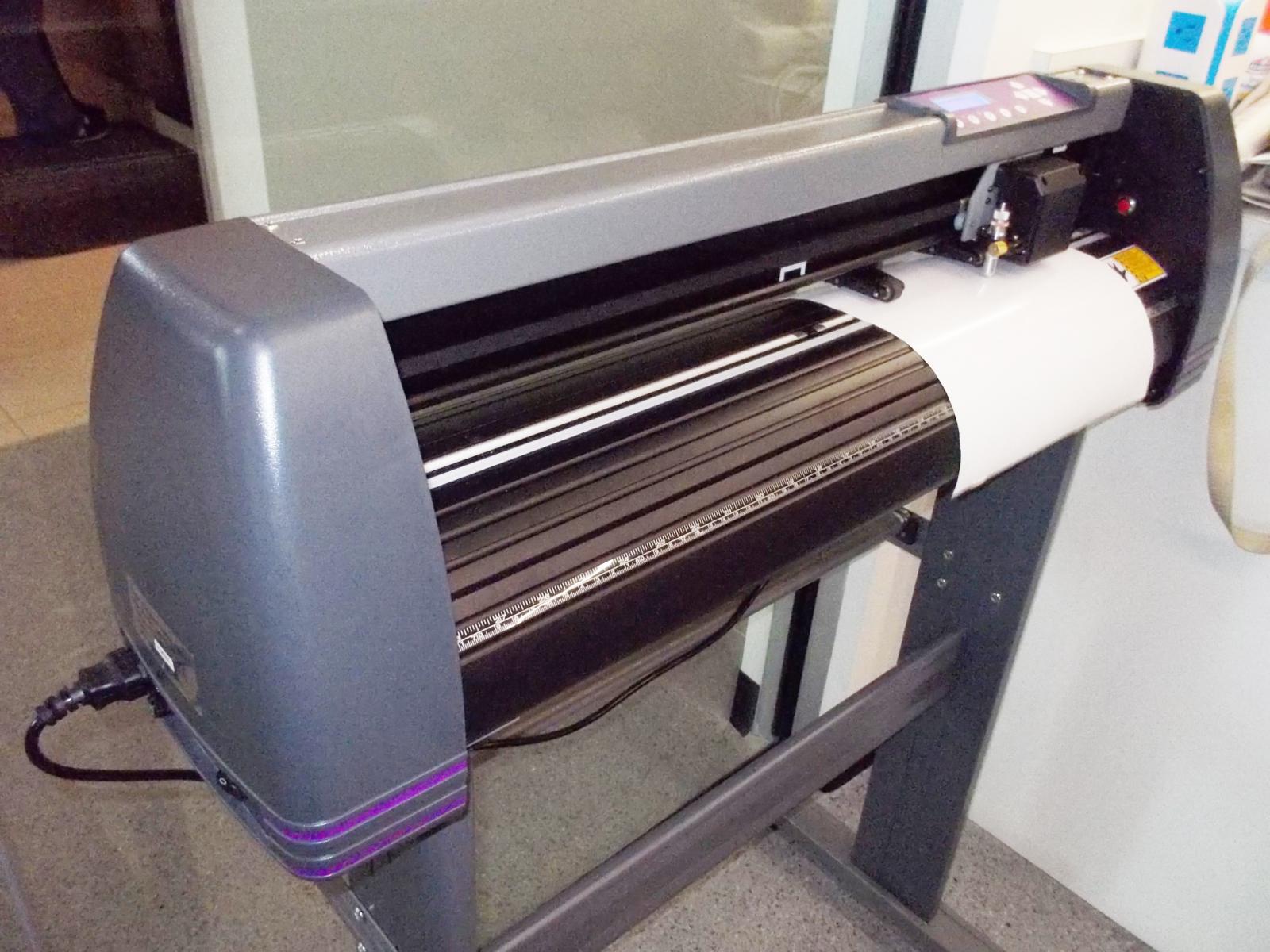
Basics of Using the Vinyl Cutter at Do Space
January 20th, 2016 | Anabella Castro
Do you have any projects that need a vinyl cutter or are planning on buying one? Then you have to try the new Vinyl Cutter available at Do Space!
I tried it myself this weekend and I loved it. The hardest part was setting up the blade, it took me 2 days to adjust the perfect size for the vinyl I had. But it is ready now, so it should work in most regular vinyl. If it is cutting more or less...
Read More
Do Space News
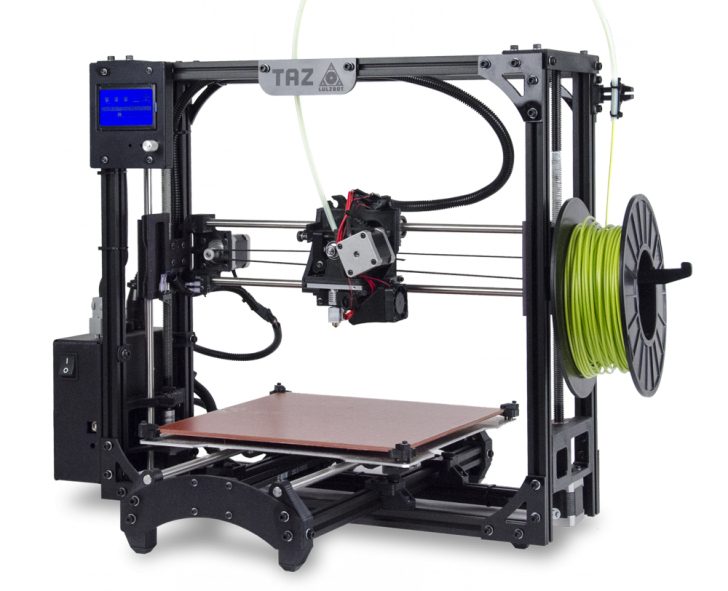
Introducing the Taz 5 at Do Space
January 19th, 2016 | Marc Petrykowski, Community Technologist
Want to create your own 3D print? No need to submit to a printing queue any longer! Do Space has a brand new 3D printer that is ready for members to use. We are proud to introduce the LulzBot Taz 5 to our location. The Taz 5 printer is now reservable and available for hands-on use. In addition to allowing for independent hacking of 3D printing without staff, it is a unique printer to Do Space...
Read More

Tech Tips
Tuesday Tech Tip: Seven Excel Tips That Will Impress Your Boss
January 19th, 2016 | Michael Sauers, Technology Manager
Even folks that have had years of experience with Excel may not be aware of some of these great tips from the folks at Best...
Read More
Do Space News
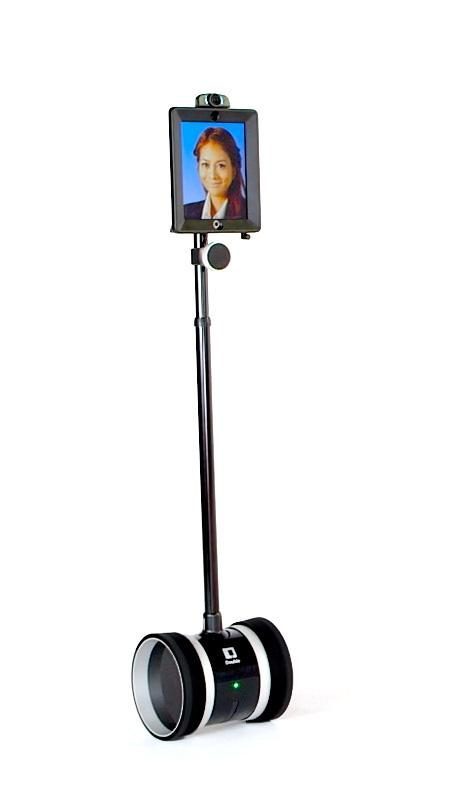
Check out a Double Robot at Do Space
January 18th, 2016 | Tacoma Tomilson, Community Technologist
You can reserve, learn about, and test the telepresence robots on wheels made famous by shows like "Big Bang Theory" and "Modern Family." Known as Double, these robots allow people anywhere in the world to talk to others through a speaker on the robot, view the robot's environment via a webcam, and control the robot's movements all from their home computers.
Here at Do Space, we have two double...
Read More
Do Space News
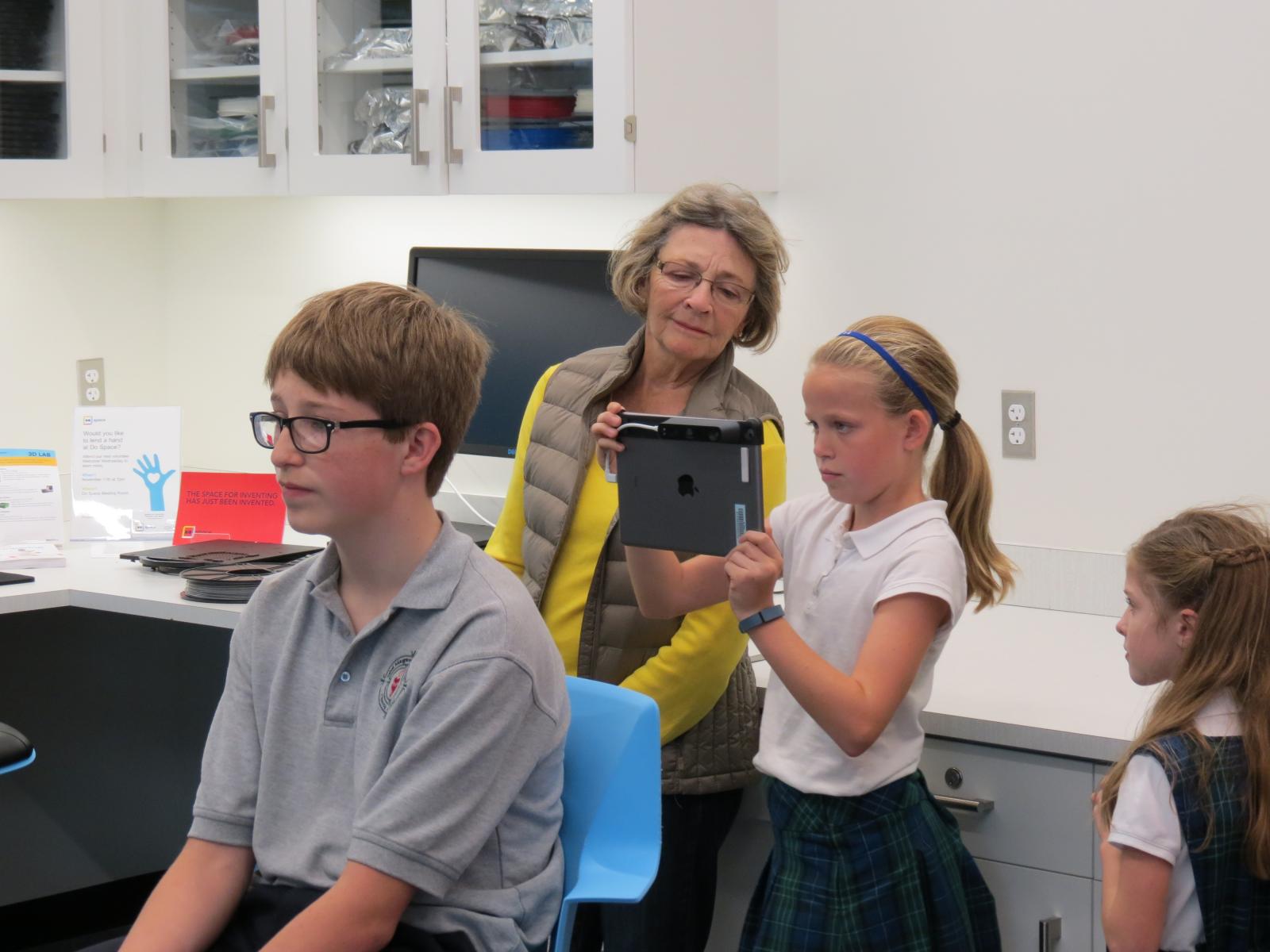
Reserving the iSense for 3D Scanning
January 13th, 2016 | Tacoma Tomilson, Community Technologist
Update 11/15/17: Due to a lack of support and updated software from the manufacturer, our iSense is no longer available.
***
The iSense is a small 3D scanner that attaches to an iPad. One iSense, along with an iPad, is available for checkout at the Do Space Help Desk. Members only need to have a signed Technology Borrower Agreement on file to use the iSense for two hours within the...
Read More
Tech Tips
Tuesday Tech Tip: Easy selecting of words & paragraphs
January 12th, 2016 | Michael Sauers, Technology Manager
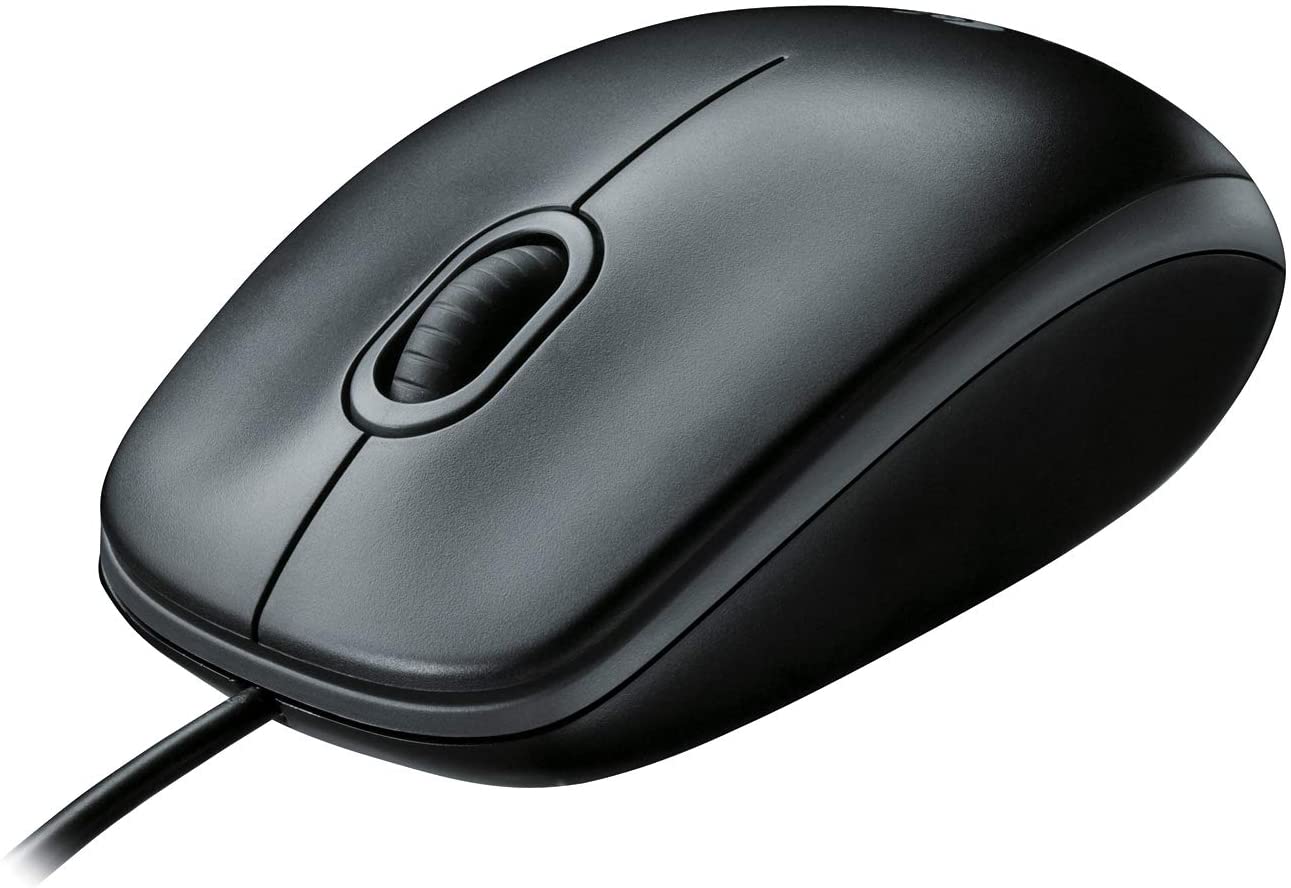
Here's a quick tip that will work on most computers and in most programs. If you wan to select a word, double-click the left mouse button. To select a whole paragraph, try...
Read More
Do Space News
Working on the Laser Cutter at Do Space
January 8th, 2016 | Tacoma Tomilson, Community Technologist
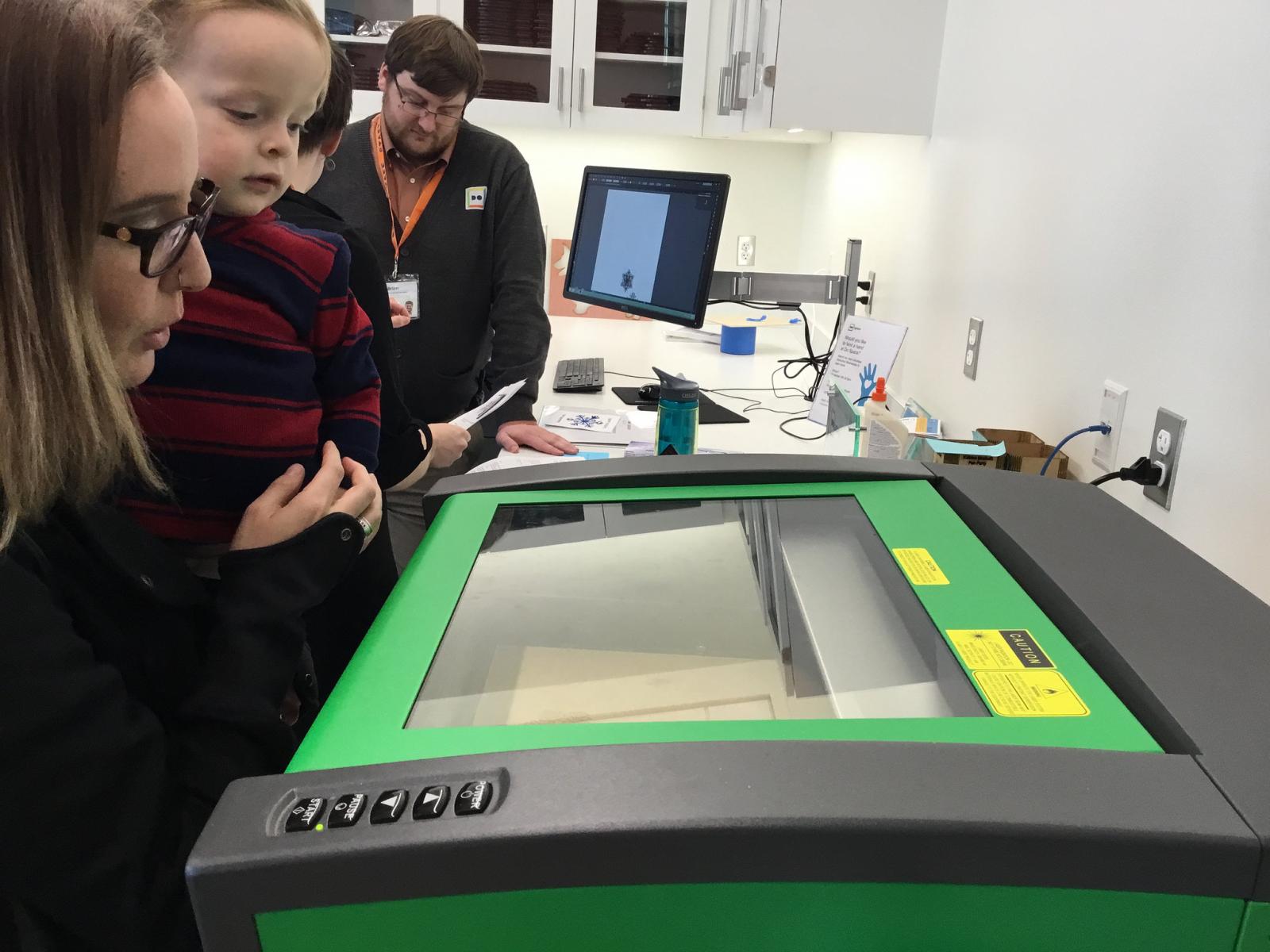
Do Space has an Universal Laser Systems (VLS 2.30) available for reservation in the 3D lab alongside the 3D printers. Knowledge of Adobe Illustrator is helpful as the software utilizes Illustrator files, so members are encouraged to register for an Illustrator and/or Laser Cutter Basics class before utilizing the laser cutter.
Some basic facts: The work area for the Universal is 16 x 12 inches...
Read More
Staff & Volunteer Share
Creating Cyber Seniors at Do Space
January 5th, 2016 | Brian Sarnacki, Community Projects Specialist
She turned, blowing a kiss to me as she left the room. And so ended the first Senior Cyber Society meeting.
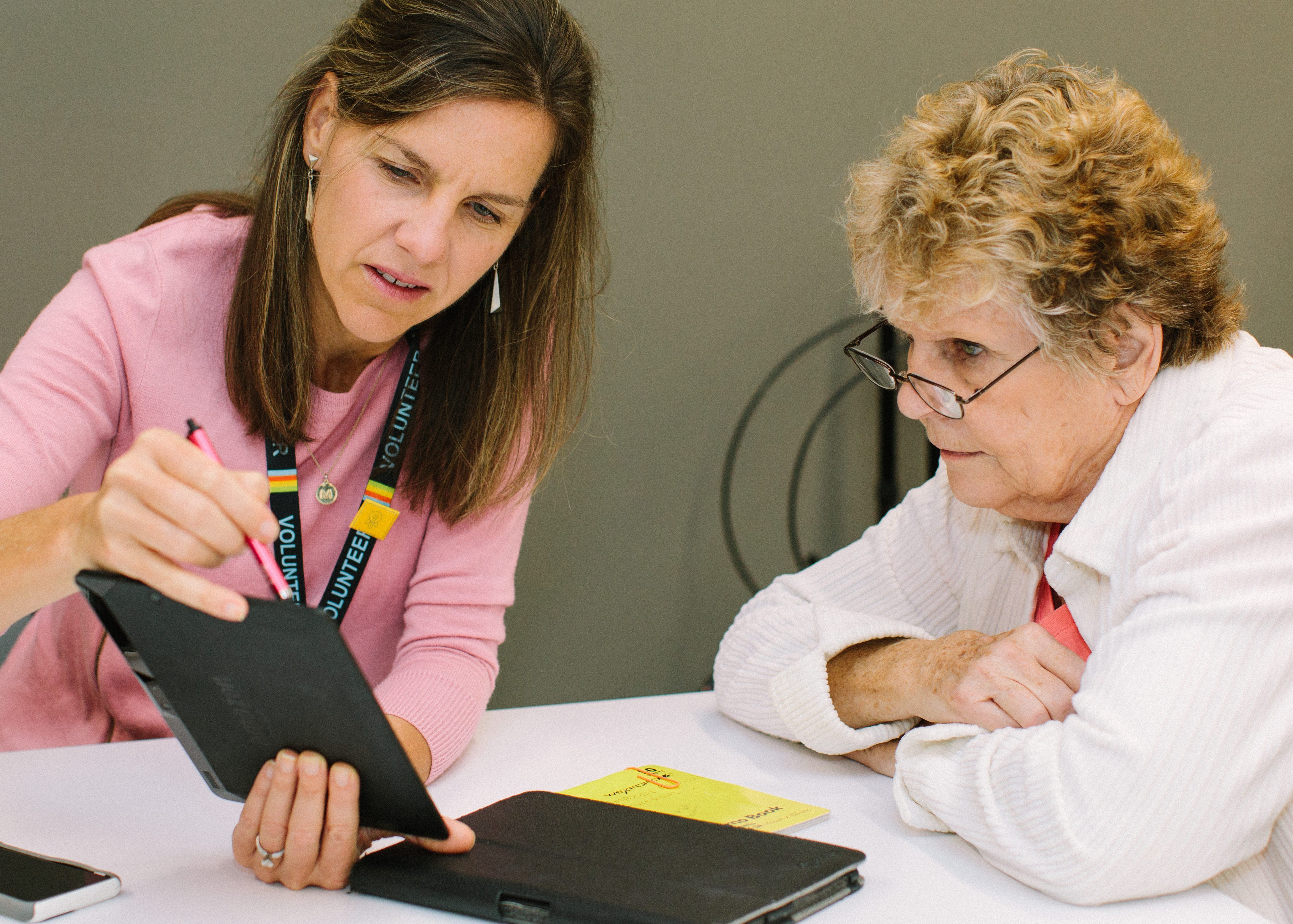
We had just finished figuring out how to find, save, and send pictures on her iPad. Her granddaughter regularly sent fun messages with pictures and she wanted to know how to reply with the similar images. In just a short time, we were able to open a new way of communicating across...
Read More

Tech Tips
Tuesday Tech Tip: Logging out of a Mac
December 31st, 2015 | Michael Sauers, Technology Manager
As I mentioned last week, logging out of our computers when you're done is something you should always do to both protect your privacy and to help us maintain a consistent user experience. This week it's the Mac's turn. When you're all done, click the apple icon in the upper-left corner of the screen then select Log Out at the bottom of the menu. You'll be asked to confirm you really want to to...
Read More
Tech Tips
Tuesday Tech Tip: Logging out of Windows 8.1
December 29th, 2015 | Michael Sauers, Technology Manager
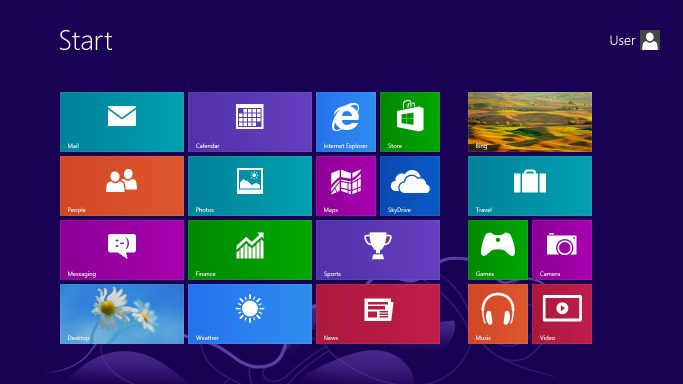
When you're done using one of our Windows 8.1 compuers it is important to log out. This will help to ensure both your privacy, and allow for the next person to sign in with their Do Space account. So, when you're done with your session, click the Windows icon in the lower-left corner, then look for the person icon in the upper-right of the start screen. Click that icon, then select Sign out....
Read More